[First Things First] Lion Compatible!

MemoryMiner 2.2 works great on OS X 10.7 Lion. In fact, some things like loading an image for editing are noticeably faster. Future releases will add more Lion-specific features, but for now, we can all enjoy the following improvements and bug-fixes:

[Major Enhancement] Vastly Improved Media Browser
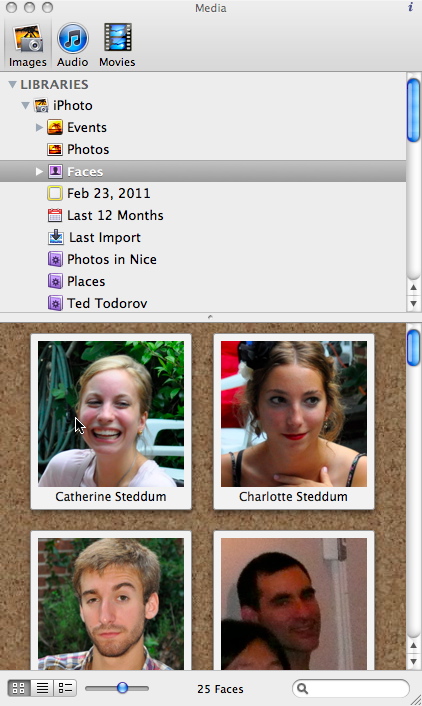
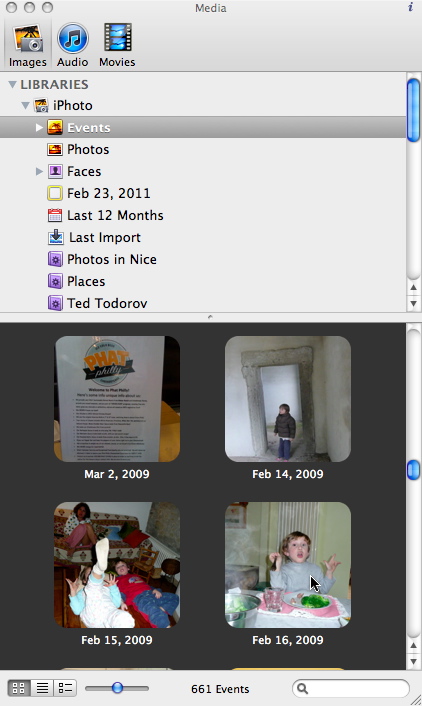
Browse Faces in your iPhoto Library

Browse Events in your iPhoto Library

MemoryMiner now uses the very latest version of the Karelia iMedia Browser. This version is significantly faster, supports iPhoto Faces and Events — including “skimmable” thumbnails – current versions of Lightroom, and more.

Drag your mouse over any thumbnail in the Faces or Events viewer and notice how you can see all photos that belong.

In addition to the usual drag & drop, you can also double-click on a selection of photos in the Media Browser to add them to your MemoryMiner Library.
[Major Enhancement] Support for iPhoto 9 Faces

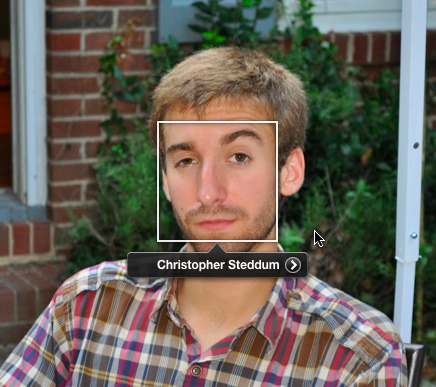
Face Marker in iPhoto

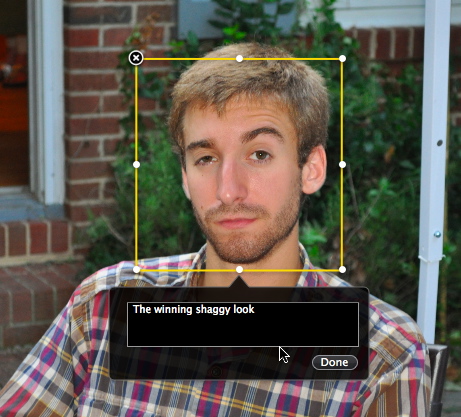
Converted Selection Marker in MemoryMiner

Faces information from iPhoto version 9 is now used to automatically create Selection Markers in MemoryMiner. Further, the newly created Selection Markers are automatically enlarged in order to be more suitable for use by MemoryMiner's pan & zoom feature.

If you've taken advantage of the automatic Face Recognition features in iPhoto, the hard work is already done. Use MemoryMiner to add interesting marker-specific captions that are then put to excellent use in the MemoryMiner Web Viewer.

[Major Enhancement] Streamlined Audio/Video Recording

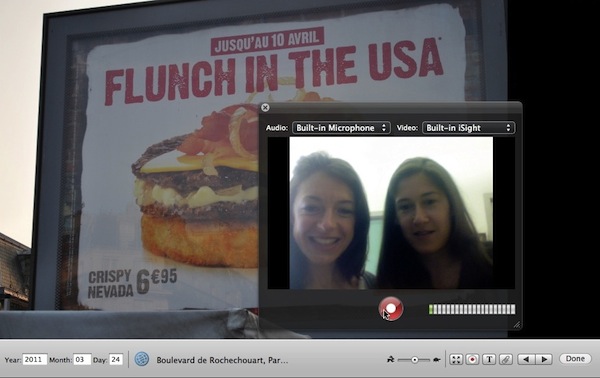
Recording Audio/Video Attachments

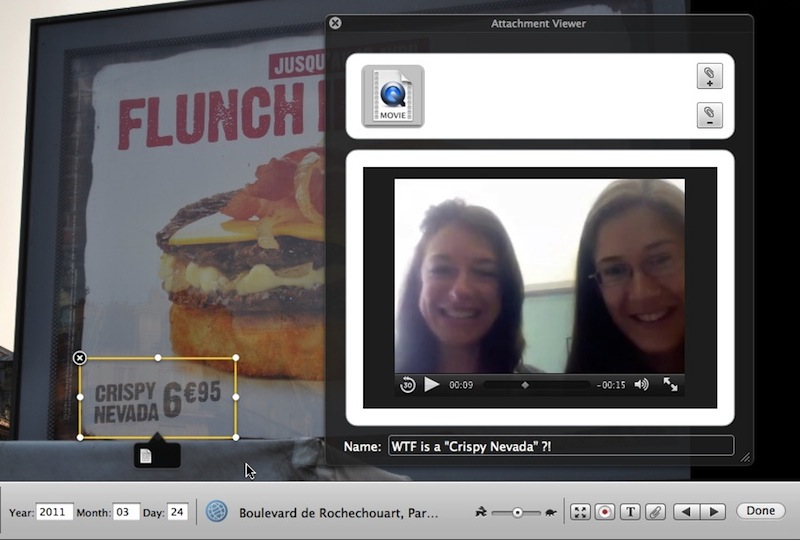
Attachment Viewer

When creating Audio or Video attachments, the file is automatically saved for you when recording is stopped. The files are saved in your Movies folder with the file prefix “MM-AVRecording” along with a date/time stamp in the file name.

When the file is saved, the attachment viewer is then automatically opened, and you can give a specific title for your attachment.

[Major Enhancement] Improved Web Viewer

The MemoryMiner Web Viewer's slideshow has been greatly improved. There is an automatic pan & zoom through each selection marker within a photo before transitioning to the next photo. The performance is optimal in either Safari or Google Chrome, but works nicely in Firefox. Internet Explorer users miss out.

[Enhancement] Helpful Instructions For First-Time Users

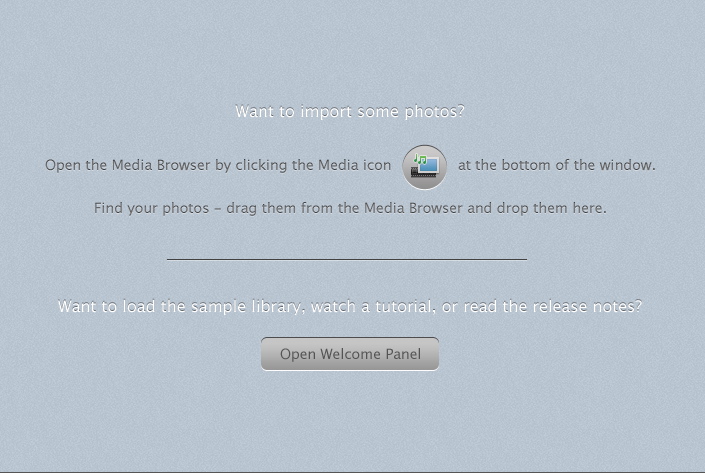
Helpful Instructions when the library is empty.

Whenever your library is empty (e.g. the first time the application launches, or when a new library is created), a set of instructions are displayed to guide first-time users on how to find photos using the Media Browser, along with a button for opening the Welcome Panel. This should improve the “out of the box” experience for first-time users.

[Enhancement] Automatic Configuration for MobileMe Users

When publishing to the web, MemoryMiner will automatically determine if you have a MobileMe account so that you can publish to the web right away.

[Enhancement] Fully 64-bit Application

MemoryMiner is now compiled specifically for 64-bit processors: a boring technical detail, but important nonetheless. Mom doesn't care, but her son's geeky friends are suitably impressed.

[Bug Fixes] Numerous bug fixes, including:

  • Audio-only recordings that are created in MemoryMiner are now appropriately classified as such, allowing for a more compact display in the MemoryMiner Web Viewer
  • Fixed potential crasher when trying to drag & drop files onto the Contact Sheet while files are already being added to a MemoryMiner library

[Version 2.11] Release Notes:

View Release Notes from prior version